

This page is for PSPs. If you collect only for your own business, skip it — you have nothing to add.
“Merchant” is the API’s word, not a description. Whatever you collect for is a sub-merchant — a university, a hospital, a travel operator. The dashboard tab and the API field both say merchant, so that is the word this guide uses.
Add one from the dashboard
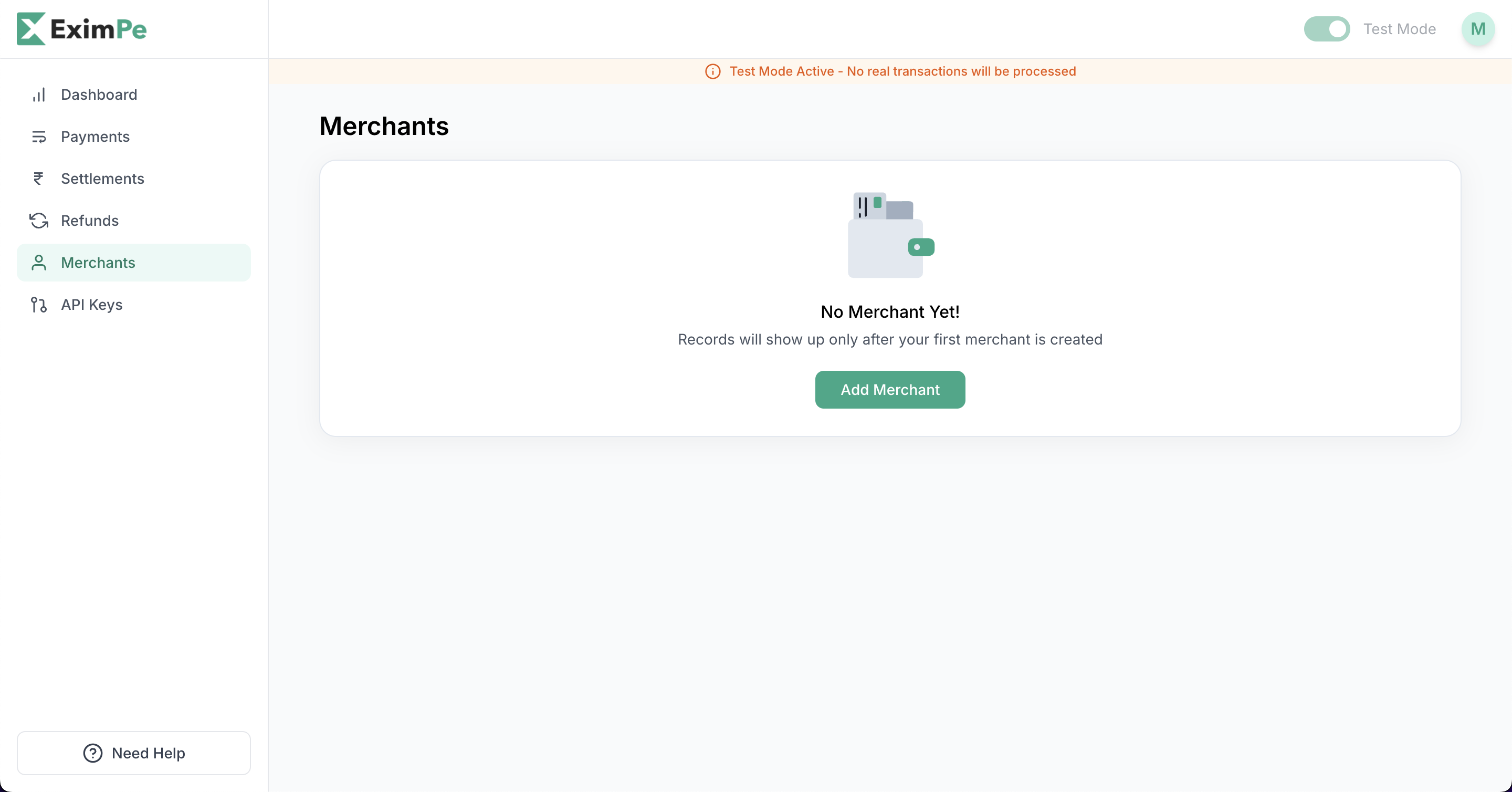
- Go to the merchant dashboard.
- Open the Merchants tab.
- Click Add Merchant.
- Fill in their details.
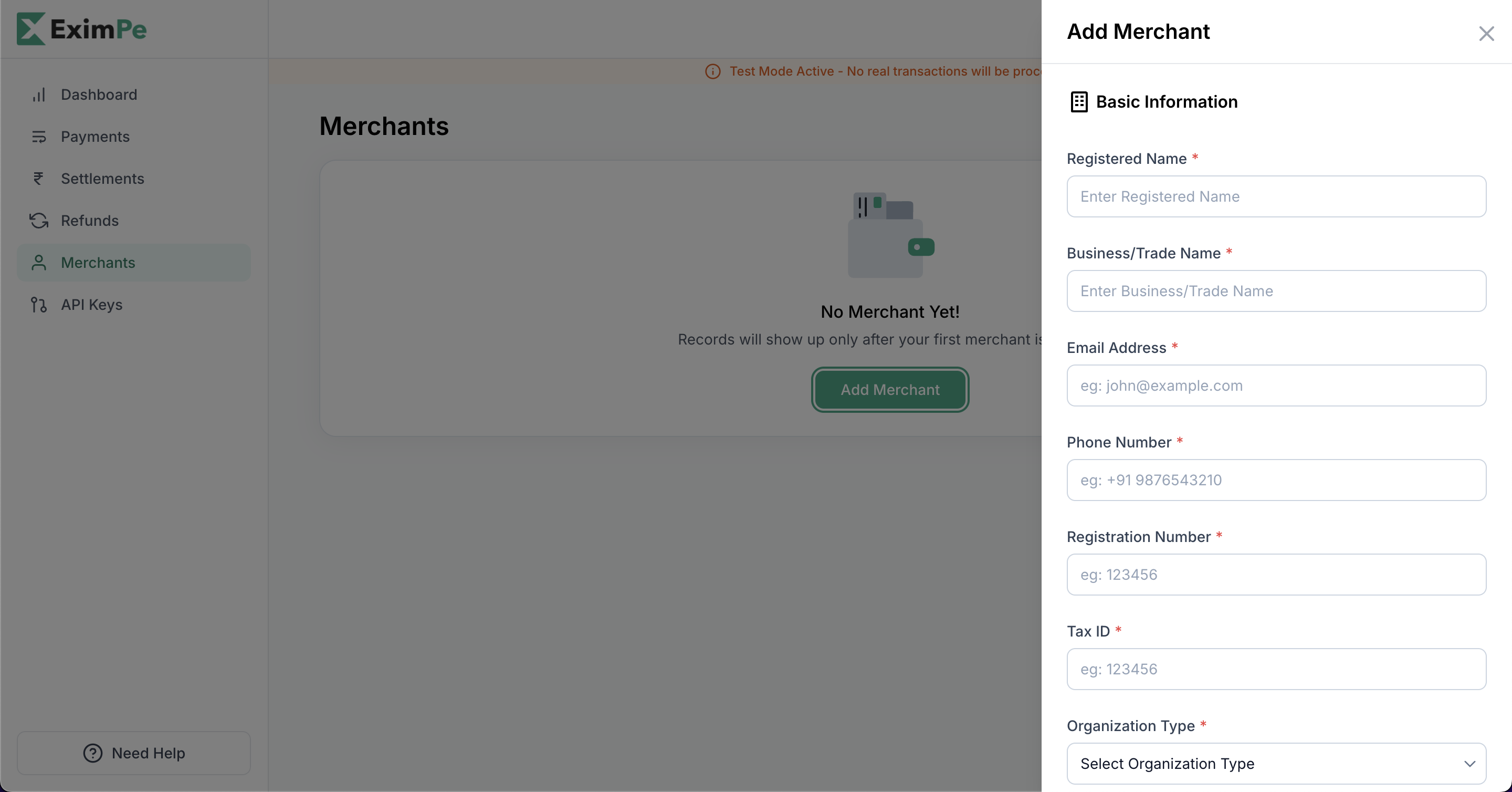
- Click Add.
Then use their merchant ID
Once activated you get a merchant ID. Send it asX-Merchant-ID on every call you make for that sub-merchant.
You can also do all of this over the API rather than the dashboard:
Create Merchant
Onboard a sub-merchant programmatically.
List & Get Merchant
Fetch the sub-merchants you have onboarded, and their status.
In production a sub-merchant must be approved before it can collect. Watch for the Merchant Approved webhook.