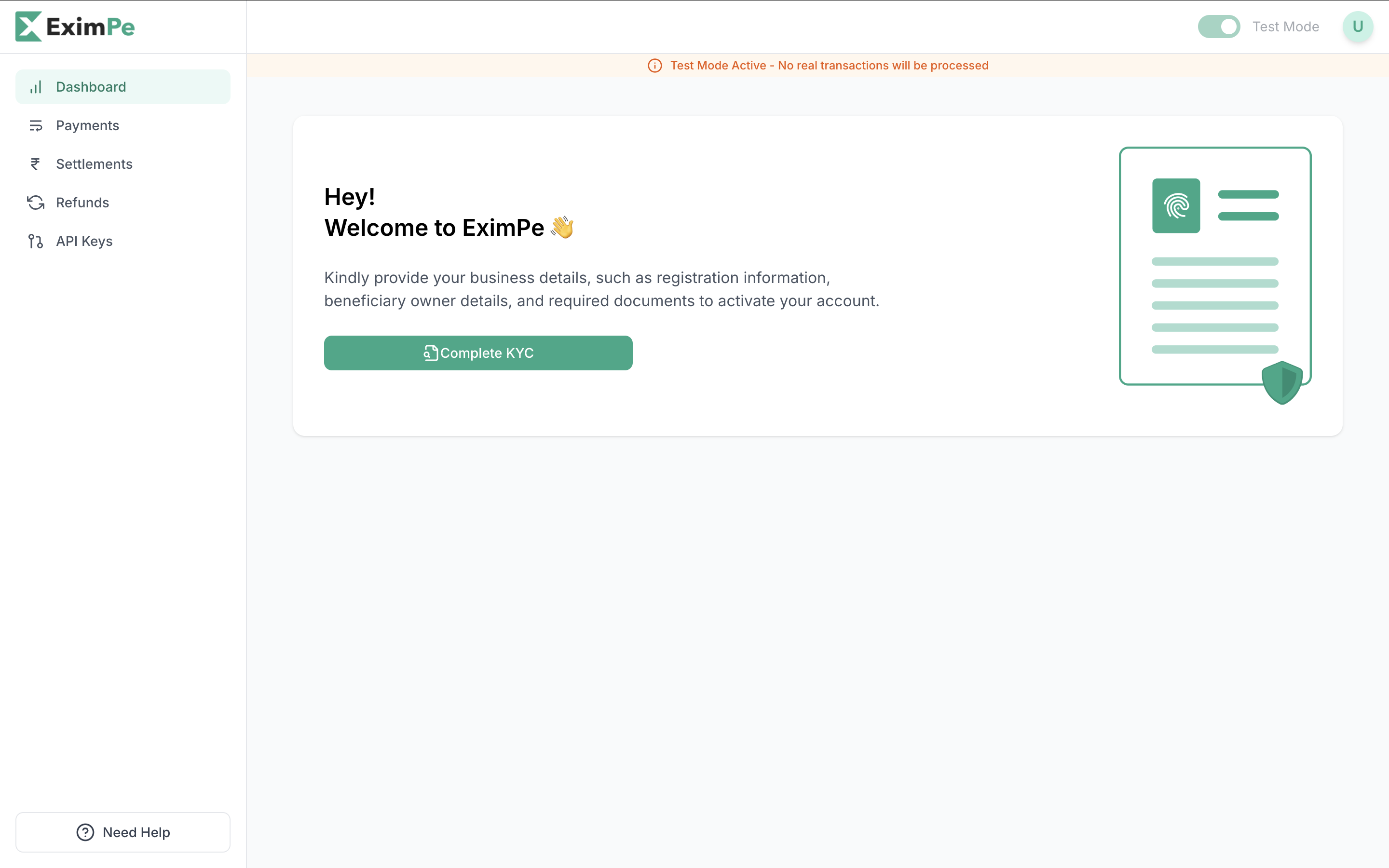
Sandbox works the moment you sign up. To take real money you need to finish KYC and be approved. Start it from your EximPe Dashboard — click Complete KYC.
KYC Dashboard

Documents to prepare

Gather these before you start. Missing any of them stops your activation. For your authorised signatory
  • Board Resolution, signed and sealed, authorising them to act
  • PEP / KMP declaration
  • Passport copy
  • Address proof
For your business
  • Business Registration or Trade Licence
  • Articles of Association (MOA / AOA)
  • Certificate of Incorporation
  • Tax Registration Certificate
  • Tax Residency Certificate
  • Bank statement, last 3 months
  • No Permanent Establishment declaration
  • UBO declaration
Depending on your tax jurisdiction we may also ask for Form 10F or a withholding tax declaration. These are not always required.

Details to have ready

Your company Addresses Your registered address, and your communication address if it differs.
Check the registered address before you submit. It cannot be changed afterwards.
Your authorised signatory and beneficial owners Where you want to be paid
The account holder name has to match your registered company name. A mismatch fails activation, and it is the most common reason we send an application back.

What happens after you submit

API keys

Sandbox keys appear as soon as you sign up at merchant-uat.eximpe.com. Use them to build and test against simulated money. Production keys appear only after your account is approved and activated at merchant.eximpe.com.
Switch both your keys and your endpoint when you go live. Sandbox keys do not work against the production API.