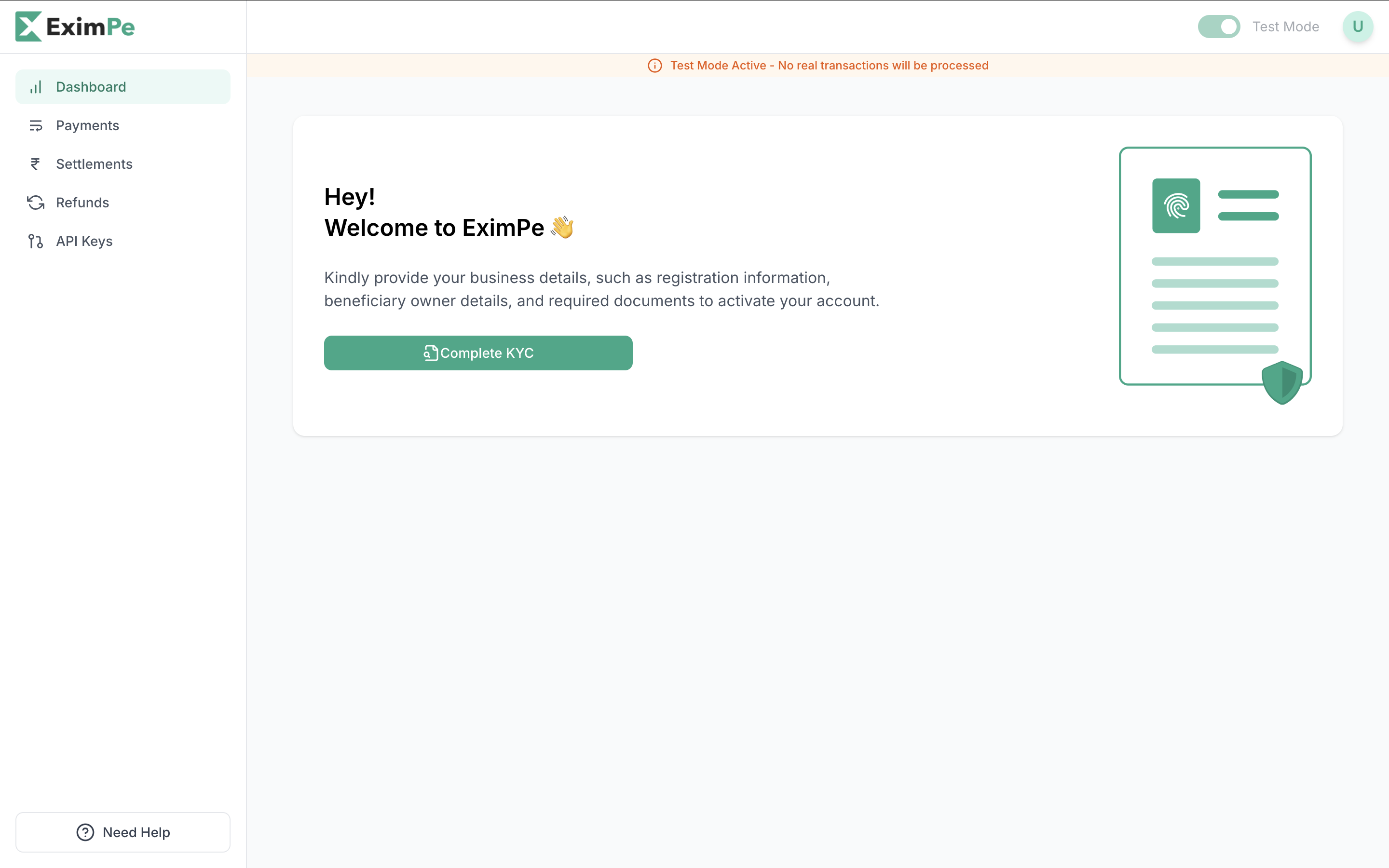
Complete KYC from Your Dashboard
Start the KYC process directly on your EximPe Dashboard. Click on the “Complete KYC” button.
Required Documents
Make sure you have the following details and documents ready:
Company Information:
- Legal Company Name
- Trade Name (DBA)
- Business Registration Number
- Tax Identification Number
- Organization Type (LLC, Pvt Ltd, etc.)
- Website / App / Store URL
- Average Transaction Value (USD)
- Estimated Monthly Volume (USD)
Registered Business Address:
- This cannot be changed once submitted.
Authorized Representative:
- Full Name
- Email Address
- Phone Number
Settlement Bank Details:
- Bank Account Number / IBAN
- Bank Name & Branch Address
- SWIFT / BIC Code
Business Documents:
- Certificate of Incorporation
- MoA & AoA
- Valid Business Licenses (if applicable)
- Proof of Business Address (e.g., utility bill or bank statement)
Ownership & Banking:
- Beneficial Owners’ ID & Address Proof
- Cancelled Cheque or Signed Bank Statement
API Key Access
Sandbox API Keys are available immediately after signing up on the Sandbox Environment. These keys allow you to simulate transactions and test your integration without real funds.
Production API Keys are provided only after your account is activated on the Production Environment. This requires completing the KYC process and receiving approval from the EximPe team.
Ensure you switch your integration to use the Production API Keys and endpoint once your account is live!
Account Status Lifecycle