> ## Documentation Index
> Fetch the complete documentation index at: https://docs.eximpe.com/llms.txt
> Use this file to discover all available pages before exploring further.
# Adding Merchants
> As a Payment Aggregator, you can onboard and collect payments multiple sub-merchants through EximPe's platform. This guide explains the sub-merchant onboarding process and management features.
To add sub-merchants, follow these steps:
1. Go to [merchant dashboard](https://merchant.eximpe.com)
2. Navigate to the **Merchants** tab
3. Click on **"Add Merchant"** button
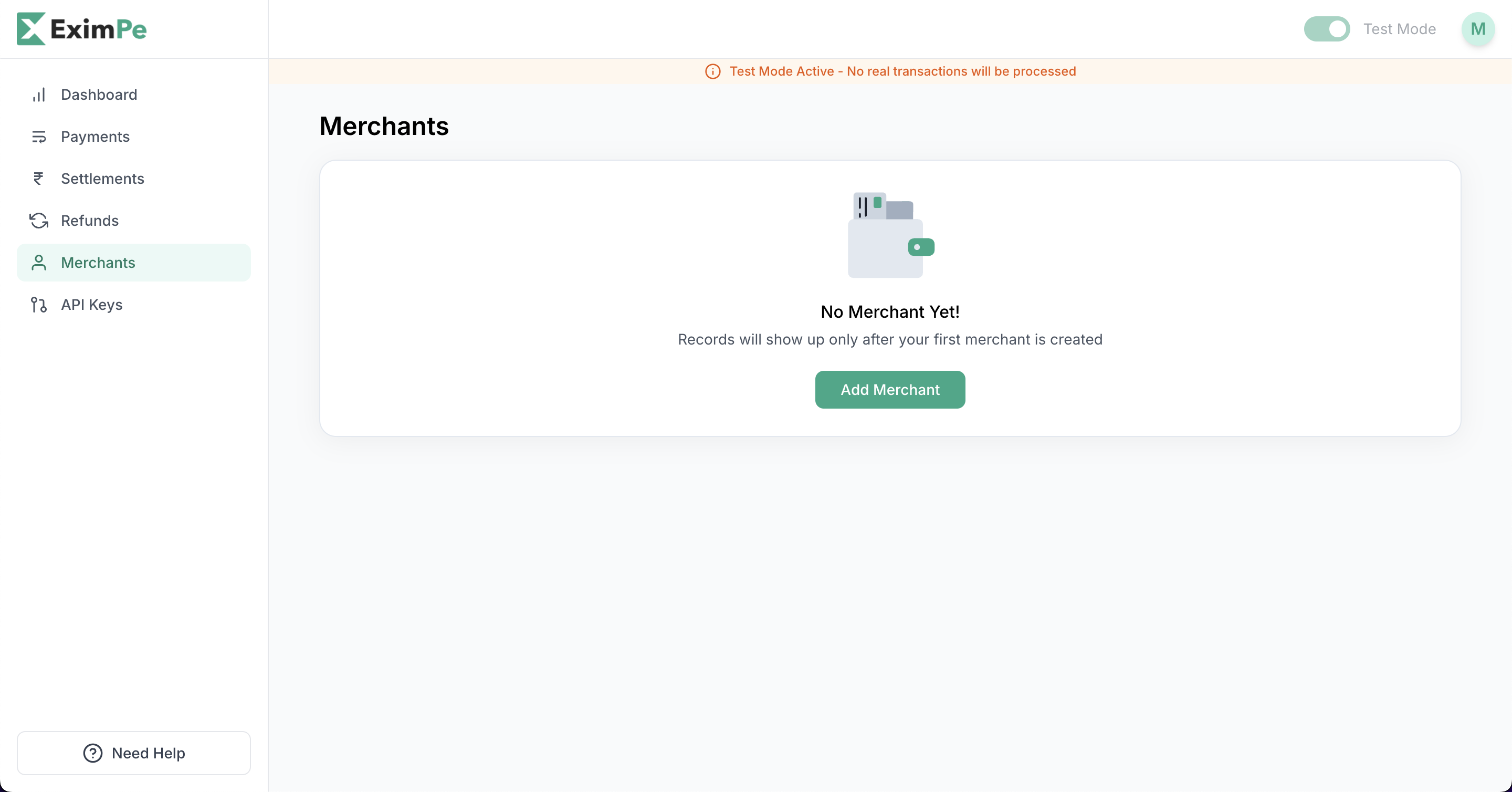 4. Fill out the information
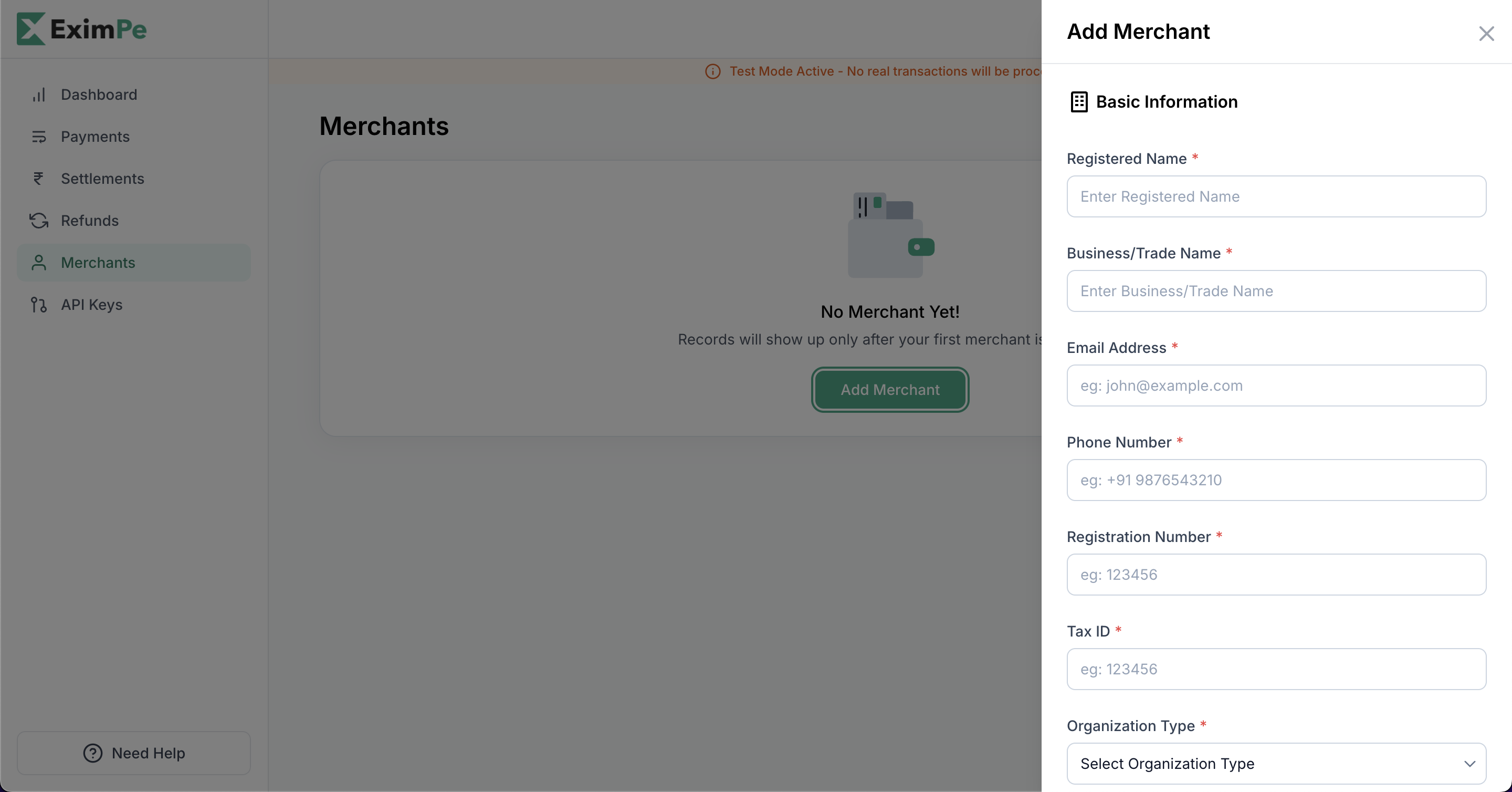 5. Once done, click on **Add**
In the Sandbox Environment, the submerchant account will be activated in a few seconds and you can start collecting payments for the submerchant.
You can then use the 'merchant ID' to make the API calls to collect payment on behalf of the merchant. There are API's available for creating and retrieving the merchant details.
5. Once done, click on **Add**
In the Sandbox Environment, the submerchant account will be activated in a few seconds and you can start collecting payments for the submerchant.
You can then use the 'merchant ID' to make the API calls to collect payment on behalf of the merchant. There are API's available for creating and retrieving the merchant details.